The Essential Link Shortener: Tiny URLs
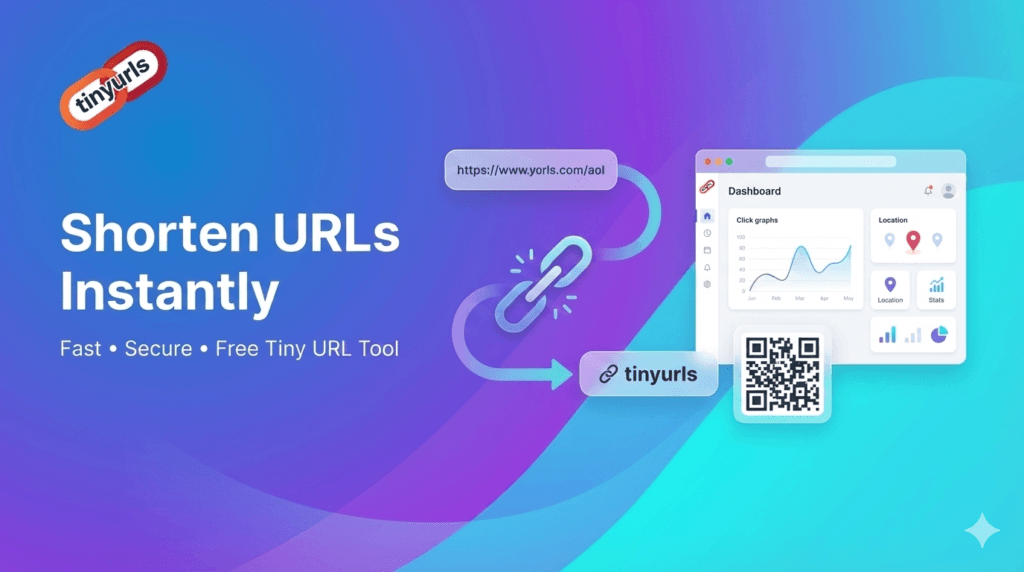
A URL shortener is now essential in a world where long, cumbersome web addresses are the norm. However, Tiny URLs goes above and beyond the typical service. We provide a special Dual-Mode System that allows you to select between complete privacy and worldwide reach, completely altering your perspective on sharing links.
Security Note
Note: Client-side password protection is only effective in Local Shortener mode, as external APIs do not respect browser-stored encryption.
How It Works: Local vs. API Shortening

Local Shortener (Offline)
Most online shorteners rely on third-party databases that can go down or block your links. This tool uses Base64 URL Encoding. It stores the destination directly within the generated link itself. This means your links will never expire as long as this page exists on your website.
Instant: No waiting for external API responses.
No Tracking: Your data isn’t sold to advertisers.
SEO Friendly: Links point to your own domain.

API Shortener (Online)
This tool uses a Privacy-First approach. Unlike other shorteners that track your data on their servers, this tool processes your request using secure client-side JavaScript. We utilize the TinyURL API via an AllOrigins proxy to ensure that even if one network path is congested, your link is generated successfully.
About Us
Your Trusted Link Shortener Service
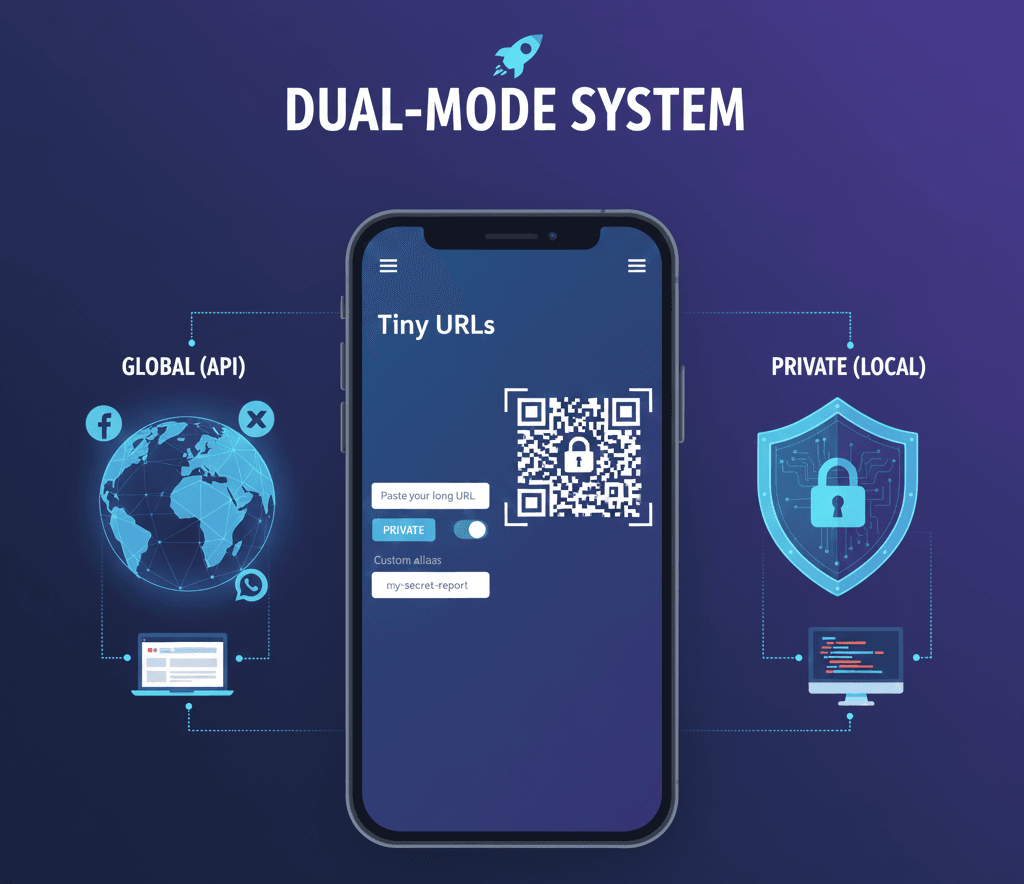
We built Tiny URLs to give you choice. Our unique Dual-Mode system offers global, reliable links alongside private, secure links where the original URL never leaves your browser. Plus, enjoy custom aliases and instant QR codes, all without sign-up.
- 100% Satisfaction Guarantee
- Dual Mode
- High Security
- Global, Reliable
Bringing Our Services to You
Tiny URLs offers instant, dual-mode link management: Choose secure, private Local links (no data leaves your browser) or reliable, global API links. No sign-up is required to access tools like custom aliases and QR codes. It’s powerful, private, and instantly available.

Instant Accessibility, Zero Hassle
Our core philosophy at Tiny URLs is simple: powerful link management should be instantly accessible, wherever you are and whatever your need may be. We built this application not just as a tool, but as a commitment to bringing seamless, secure link shortening directly to your fingertips. There are no heavy downloads, complex installations, or lengthy setup processes; our entire suite of services is available right here, in your web browser, ready to perform the moment you land on the page.
The Power of Choice: Dual-Mode
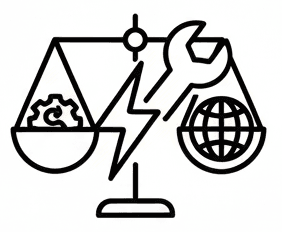
We engineered our unique Dual-Mode system to literally bring two different forms of shortening to you. Whether you are prepping a marketing campaign that demands global reach and reliability (using our API Shortener), or you need a highly private, sensitive bookmark for internal documentation (leveraging our Local Shortener), the choice is immediately available. This direct approach ensures you are never forced into a compromise, giving you the power to select the right tool for every single link you create.
Engineered for Immediate Utility
Crucially, “Bringing Our Services to You” means prioritizing a zero-friction experience. We deliberately designed Tiny URLs to operate without mandatory sign-up walls or lengthy registration forms for core features. From the moment you paste your first URL, you can access powerful tools like custom aliases, instant QR code generation, and fast shortening speeds. This focus on immediate utility ensures that the process of managing your links is never a burden, allowing you to focus on sharing your content.

Commitment to Client Privacy
We are deeply committed to bringing security and privacy directly to the user. Our Local Shortener Mode is the physical embodiment of this commitment: it means the original long URL never leaves your device’s browser. This contrasts sharply with many competitors, where every link you shorten is logged on a remote server. For sensitive data, this client-side architecture means the security is literally in your hands, reinforced by optional client-side password protection and expiry dates.
Digital and Physical Sharing
The service extends its reach by integrating advanced features that anticipate your needs. For instance, instant QR code generation is a key component we bring to you, allowing a seamless transition from the digital world to print or physical environments. Whether you are quickly shortening a link to include in a presentation or preparing a vanity URL for a business card, the comprehensive utility you need is always displayed alongside the shortened link, ready for immediate action.
Empowering Your Digital Control
Ultimately, Tiny URLs is dedicated to empowering you, the user, with unparalleled control over your digital sharing. We believe that by making our robust, dual-purpose service instantly available, free from sign-up friction, and deeply committed to client-side privacy, we provide the most intelligent and versatile link management solution on the market. We are here to serve your links, privately or globally, exactly when and how you need it.
TinyURLs: Your Digital Sharing, Redefined
Welcome to Effortless Link Management
In today’s fast-paced digital world, sharing shouldn’t be a chore. At TinyURLs, we believe powerful link management should be instantly accessible, intuitive, and designed for your needs. We’ve built this application not just as a tool, but as a commitment to bringing seamless, secure, and powerful link shortening directly to your fingertips.
No heavy downloads. No complex installations. No lengthy setups. Our entire suite of powerful services is ready the moment you land on our page.
Immediate Access, Zero Friction
We’ve engineered TinyURLs for instant utility. Forget mandatory sign-ups and registration walls. From the moment you paste your first URL, you can unlock a suite of powerful tools:
Fast Shortening Speeds: Create concise links in milliseconds.
Custom Aliases: Brand your links for a professional touch.
Instant QR Code Generation: Bridge the digital and physical worlds seamlessly.
This zero-friction approach ensures that managing your links is never a burden, allowing you to focus on what matters most: sharing your content.
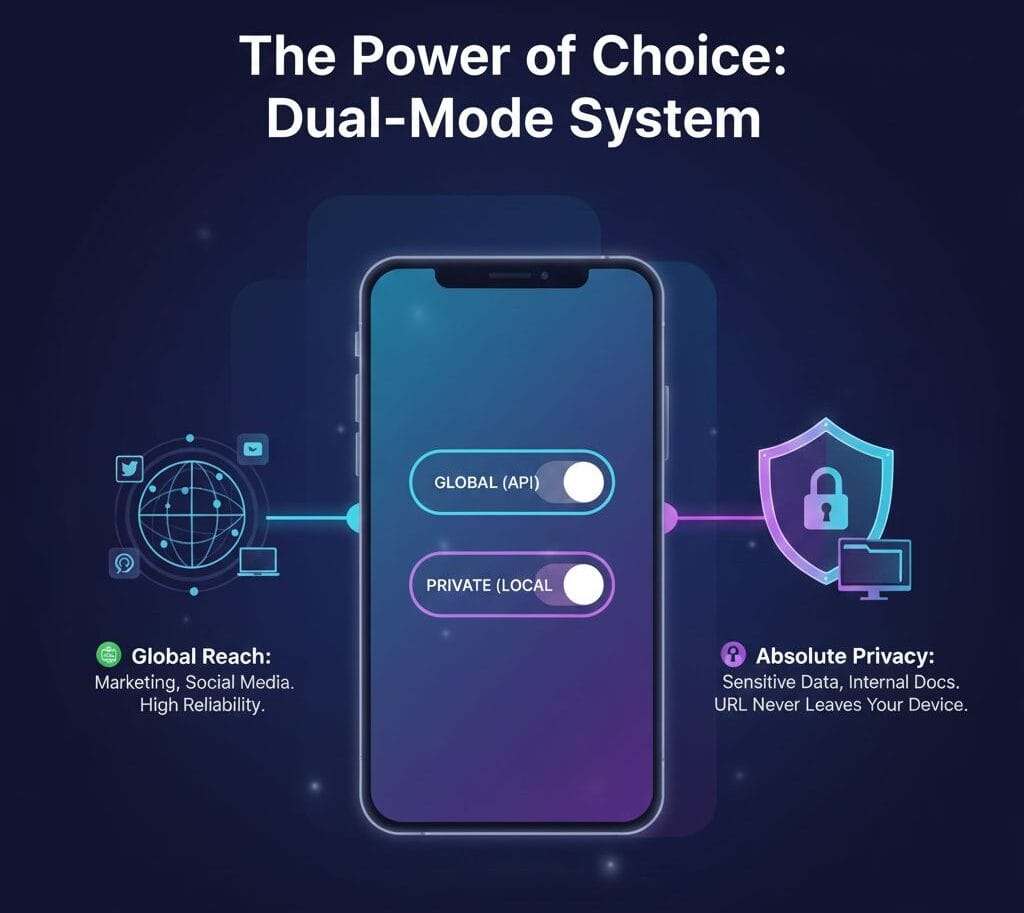
The Power of Choice: Our Unique Dual-Mode System
For links that need to be shared far and wide.
Perfect For: Marketing campaigns, social media, and public sharing.
Benefits: Global reach, high reliability, and compatibility across all platforms.
Perfect For: Internal documents, personal bookmarks, and confidential information.
Benefits: Your original long URL never leaves your device’s browser. Security is literally in your hands.
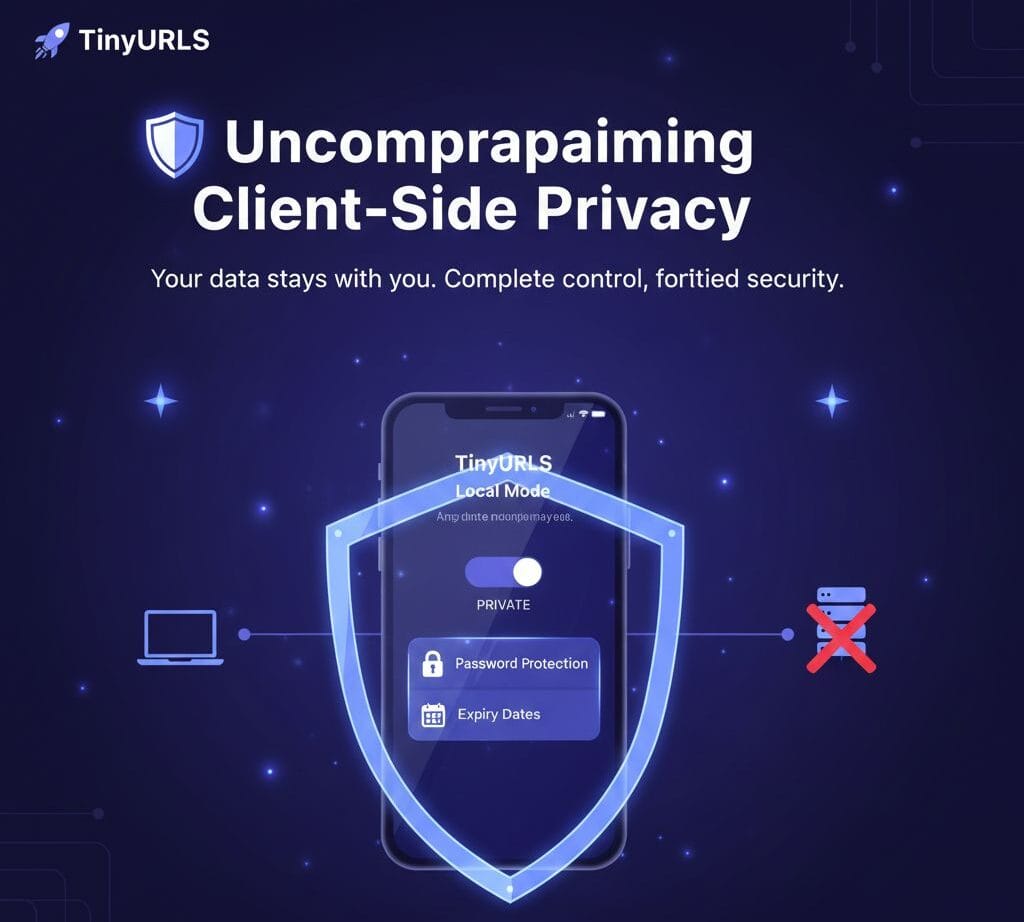
Uncompromising Client-Side Privacy
Our commitment to your security is built into our core. Our Local Shortener Mode is a physical embodiment of this promise. Unlike many competitors who log every link on remote servers, we prioritize a client-side architecture for your sensitive data.
This security is further reinforced by powerful, user-controlled features:
Client-Side Password Protection: Add an extra layer of security to your private links.
Expiry Dates: Set your links to automatically expire for enhanced control.
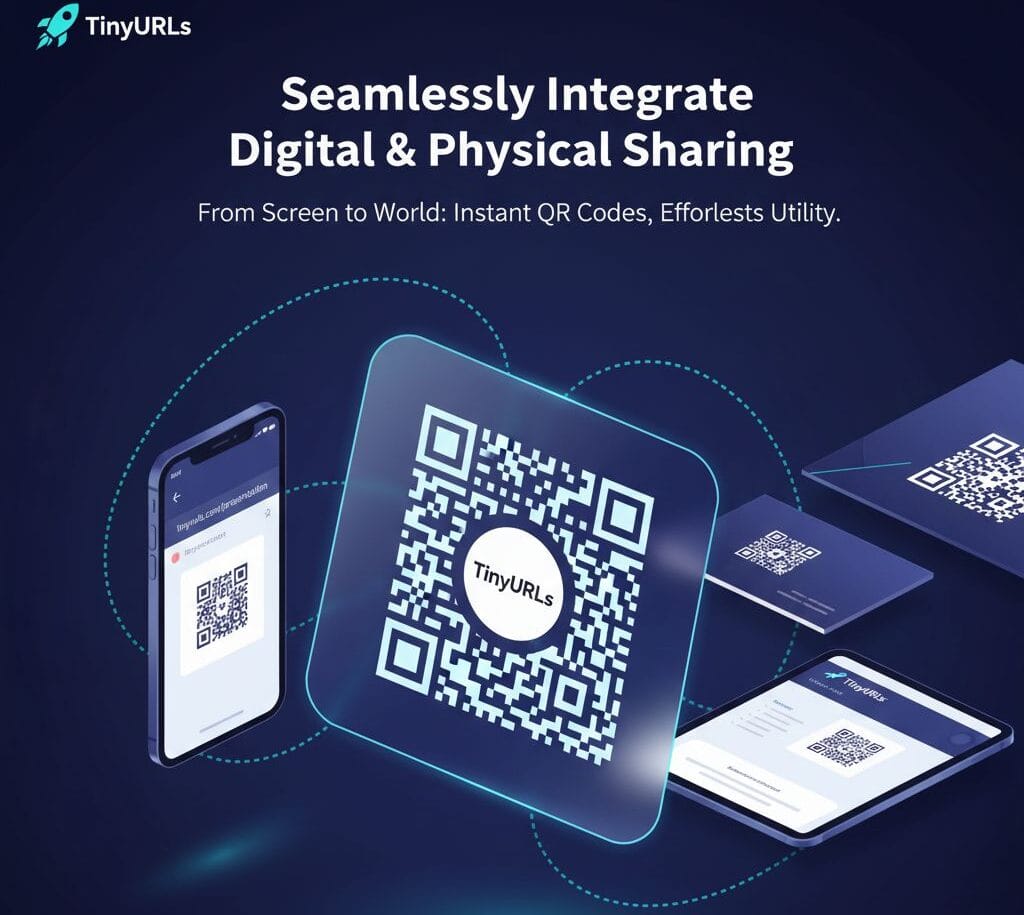
Seamlessly Integrate Digital & Physical Sharing
We extend the reach of your links beyond the screen. Our integrated features anticipate your needs, allowing you to effortlessly transition between digital and physical environments.
Instant QR Code Generation: Create scannable codes for presentations, business cards, posters, and more.
Comprehensive Utility: Whether it’s a quick link for a presentation or a branded URL for a business card, the tools you need are always at your fingertips.
How TinyURLs Works — Shorten Any Link in 3 Simple Steps
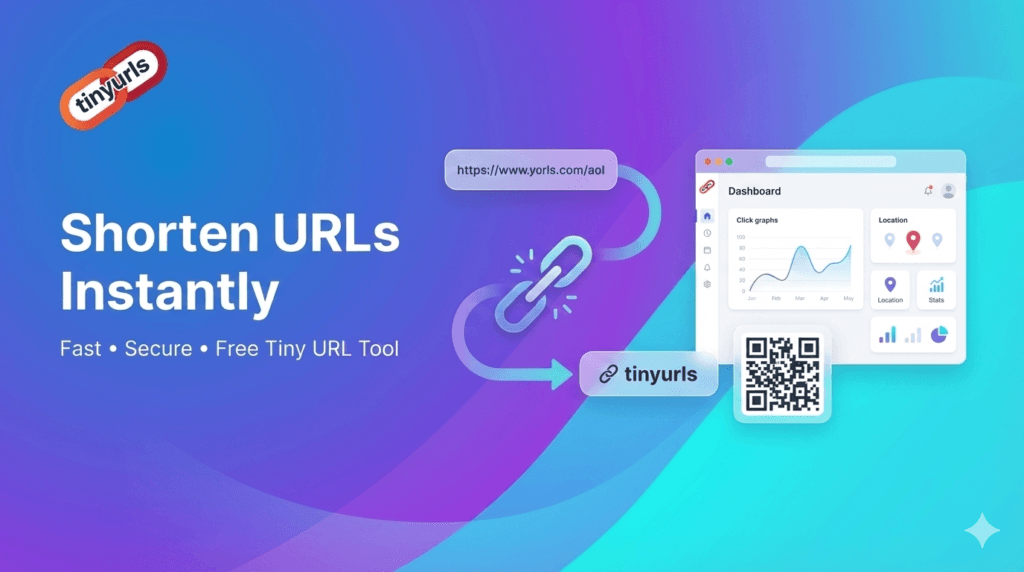
How TinyURLs Works — Shorten Any Link in 3 Simple Steps
Getting started with TinyURLs takes less than three seconds. No tutorials, no setup, no account needed. Here is exactly how it works:
Step 1: Paste Your Long URL Copy any long, cluttered URL — from a product page, blog post, Google Drive file, affiliate link, or anywhere else — and paste it into the TinyURLs input field at tinyurls.5itech.in. No login screen. No pop-ups. Just paste and go.
Step 2: Choose Your Mode & Custom Alias (Optional) Select between Local Mode (client-side, fully private, no server contact) or API Mode (globally accessible, high-availability links). Optionally, define a custom alias — for example, /YourBrandName or /Summer-Sale — to make your link instantly recognizable and trustworthy to your audience.
Step 3: Copy Your Short Link & QR Code TinyURLs instantly generates your shortened link and a high-resolution QR code. Copy the link to share digitally, or download the QR code for print materials, packaging, event posters, and business cards. That’s it — your link is live and ready to use.
Why You Can Trust TinyURLs — Security, Privacy & Transparency
Trust is not a feature — it is a foundation. TinyURLs is built on three core principles that protect both the people who create links and the people who click them.
Secure Redirections Every redirection handled by TinyURLs is processed over encrypted, secure protocols. We actively screen against known malicious URLs and phishing patterns before a link is created, ensuring that shortened links cannot be used to direct users to harmful destinations. This makes TinyURLs a safe choice for business communications, marketing campaigns, and public-facing content where your audience’s safety is non-negotiable.
Zero Personal Data Collection TinyURLs does not collect, store, or sell personal information. We do not use tracking cookies, advertising pixels, or third-party data brokers. In Local Mode, link shortening happens entirely within your browser — meaning not even TinyURLs’ servers see your data. This privacy-first approach is rare among free URL shorteners and reflects our commitment to being a tool that works for users, not against them.
No Hidden Agendas TinyURLs is 100% free with no freemium traps, no sudden paywalls, and no forced upgrades. We do not put your links behind a login wall or hold your data hostage. What you create is yours — permanently. Our transparency is part of what makes TinyURLs a trustworthy link management tool for individuals and businesses alike.
High-Availability Infrastructure Links created in API Mode are hosted on a reliable, high-availability infrastructure designed for consistent global performance. Whether your link is clicked by one person or ten thousand, it will resolve instantly — with no broken redirects, no 404 errors, and no downtime risk to your campaigns.
We Could Tell You How Great We Are—But Our Clients Do It Better

As someone who shares links constantly on social media, speed and ease-of-use are critical. Tiny URLs is a minimalist dream. The interface is incredibly clean—you paste the link, hit shorten, and BAM, the tiny URL is generated instantly.
TechEnthusiast88
What sets Tiny URLs apart is its powerful Dual-Mode System. The ability to choose between the API Shortener (for global, reliable sharing on public platforms) and the Local Shortener (for private, client-side links) is a game-changer.
DigitalMarketerPro
In a world where every online tool tracks everything, I appreciate Tiny URLs’ commitment to privacy, especially with the Local Shortener mode. The fact that I can create a short link where the original long URL never leaves my browser is a massive security benefit.
WebDevGeek
Frequently Asked Questions?
In the vast landscape of the internet, long, complex URLs can be cumbersome to share, hard to remember, and visually disruptive. A URL shortener provides a clean, concise, and often customizable alternative. Our Tiny URL tool goes beyond simple shortening, offering both secure, private Local Shortening and globally accessible API Shortening with advanced features like custom aliases, QR codes, and history management.
What is a URL Shortener and why should I use this one?
A URL shortener takes a long, complex web address and converts it into a short, manageable link. You should use our tool because it offers a unique dual-mode system (Local for privacy, API for global reach) along with advanced features like custom aliases, QR code generation, and client-side password protection. This flexibility is unmatched by simple, single-purpose shorteners.
Is your service truly free to use, and do I need an account?
Yes, the core functionality of both the Local Shortener and the integration with the basic API Shortener is **entirely free** and requires **no account registration**. All features available on the front-end, including history storage, are freely accessible.
What is the benefit of a short link versus a long link in marketing and sharing?
Aesthetics: They look cleaner on social media, print materials, and in emails.
Memorability: Custom vanity URLs (aliases) are easier for people to remember and type manually.
Space Saving: Crucial for character-limited platforms like SMS or older social media posts.
Tracking (API Mode): Although our client-side tool doesn’t track, the underlying API services often provide click analytics, helping you measure campaign performance (if you choose the API mode).
What kind of URLs can I shorten?
You can shorten any valid URL that starts with `http://` or `https://`. This includes links to websites, documents, files, images, social media posts, and more. Invalid or malformed URLs (e.g., missing the protocol) will be rejected by the validation script.
What is the fundamental difference between “Local Shortener (Offline)” and “API Shortener (Online)”?
The difference lies entirely in where the link mapping is stored and executed:
Local Mode: The mapping (`slug` -> `long URL`) is stored in your browser’s LocalStorage. Redirection is handled by the JavaScript code on *this website*. The link is private but site-dependent.
API Mode: The mapping is stored on a third-party server (e.g., TinyURL). Redirection is handled by that external server. The link is public, globally accessible, but relies on a third party.
When should I choose the Local Shortener Mode?
You do not want the long URL to leave your device. You want to use the Password Protection or client-side Expiry features. You only need the link for personal use: For bookmarks, internal documentation, or links you will only click while on this site.
When should I choose the API Shortener Mode?
Global access is required: You plan to share the link on social media, emails, or printed materials where the link must work independently of this website.
You want full global link validity: The link is guaranteed to work as long as the third-party API service is operational.